



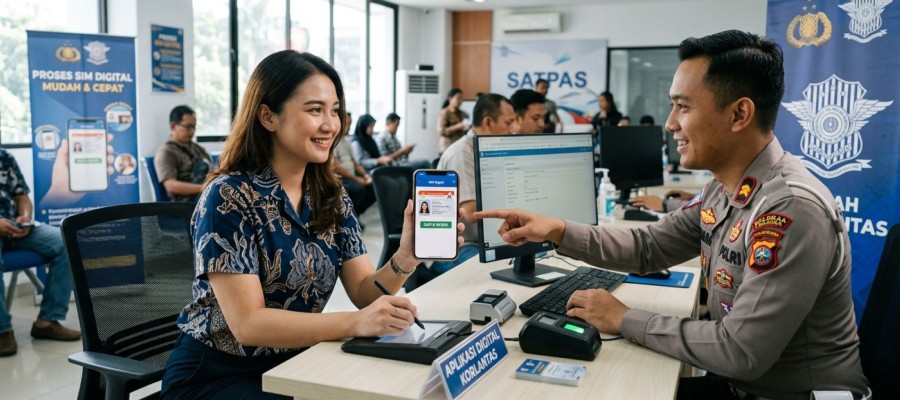


Now you don't have to panic if you leave your physical SIM card at home. With the Indonesian National Police's Digital Korlantas app, you can store and show your digital SIM directly from your phone during raids or roadside inspections. This digital SIM has the exact same function as a physical SIM, is legally valid, and its data is directly connected to the Korlantas data center in real time.
What are its features and advantages?
Practical Ways to Create a Digital Driving License
Before you begin, make sure you've downloaded the Digital Korlantas Polri app from the Play Store (Android) or App Store (iOS) and registered an account. Once you've done so, follow these four easy steps:
If the number you entered matches the Korlantas database, your digital driving license will be activated immediately and automatically saved in the app. Good luck!
Source: Kompas.com
<< Back